AI writer tools
:
everything you need to write your book
Updated November 3, 2026 · Books Maker editorial team
Books Maker writer tools accompany you from idea to finished book: generate outlines, characters and dialogue, proofread, translate and export to PDF, EPUB and DOCX. You are always the author.
You are still the author
Quick answer
Books Maker is an AI writing platform that brings every part of a writer's work into one tool.
You start from ideas, titles and outlines; build characters, settings and worlds; write dialogue and chapters; revise grammar, pacing, consistency and style; translate the book into 11 languages; lay it out and export to PDF, EPUB and DOCX, with Kindle delivery or Amazon publishing. Every AI suggestion can be accepted, edited or rewritten: you are always in control and the book keeps your voice.
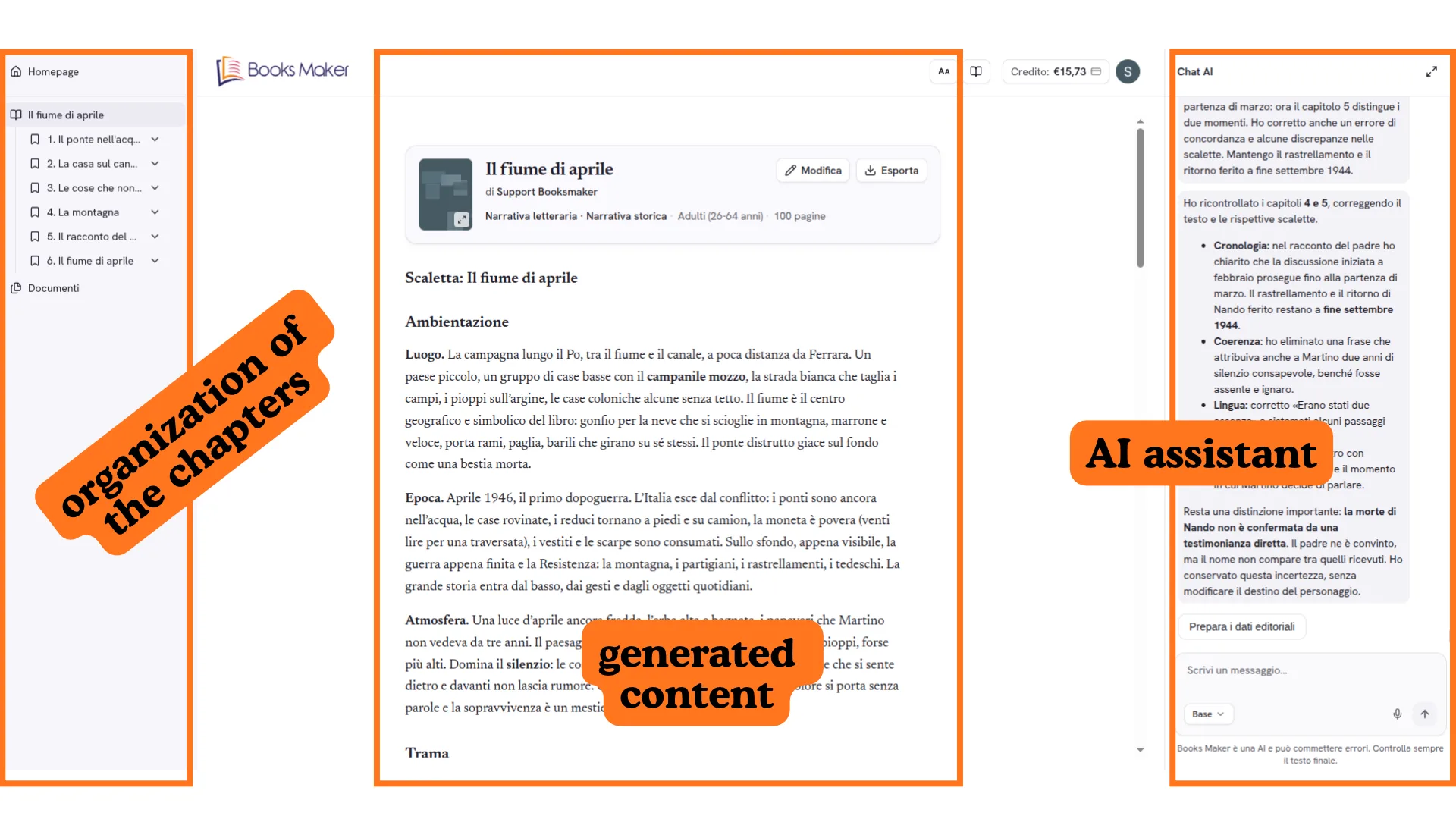
All writer tools, from first idea to publication
Every phase has its tools: choose where to start.
Ideate and write
From idea to page: titles, structure, dialogue and dictation.
Book Ideas
Generate original ideas for your next book from a genre, a theme or a simple prompt.
Title Generator
Find the perfect title: multiple options in line with the book's genre, tone and audience.
Outline Generator
Build the complete outline: plot, chapters and narrative arcs, ready to follow.
Plot Twist Generator
Surprise readers with unexpected yet believable twists for your plot and characters.
Dialogue Generator
Write natural, distinctive dialogue, giving every character a voice of its own.
Voice Dictation
Dictate instructions for your book to the AI assistant by voice, without typing.
Characters & world
Voices, places and rules that hold the story.
Character Creator
Create well-rounded characters with motivations, flaws and transformation arcs.
Setting Creator
Bring to life places and atmospheres consistent with the era and genre, detail by detail.
Revise
Drafts, grammar, pacing and continuity.
Grammar Checker
Fixes grammar, syntax and punctuation in the book's language, without changing your voice.
Pacing & Tension Analyzer
Assess the pacing chapter by chapter: dead spots, info dumps and rushed action.
Plot Continuity Checker
Detects discrepancies: changing eye colours, impossible events, objects from nowhere.
Style & Voice Analysis
Spots repetitions, overused adverbs, overlong sentences and points to improve.
Quality of your choice
Base, Medium or High: Books Maker switches the AI model to raise writing quality.
Read & publish
Formats, covers and channels to reach readers.
Book Formatter
Lay out your book in a professional format, with margins and structure ready for publishing.
Translate Book
Translate the whole book into another language in one click, keeping style and voices intact.
Audio Book
Turn your book into an audio book with a natural narration voice, ready to listen to.
Cover Generator
Create the cover with AI, ready for Amazon and export, consistent with the story.
Image Generator
Generate original illustrations for chapters, covers and picture books, in your style.
Comic Creator
Turn your story into a comic: panels, frames and dialogue taken from your book.
Reading Mode
Read your book laid out on screen, exactly as readers will see it after you publish it.
Send to Kindle
Send the book to your Kindle in one click, ready to read anywhere, no conversions.
Book Sharing
Share the book with readers and friends through a link, ready on any device.
Book Store & Author Profile
Publish your books in a dedicated store and build your author profile with bio.
Automatic translation
Once the book is written, translate it in full into another language automatically.
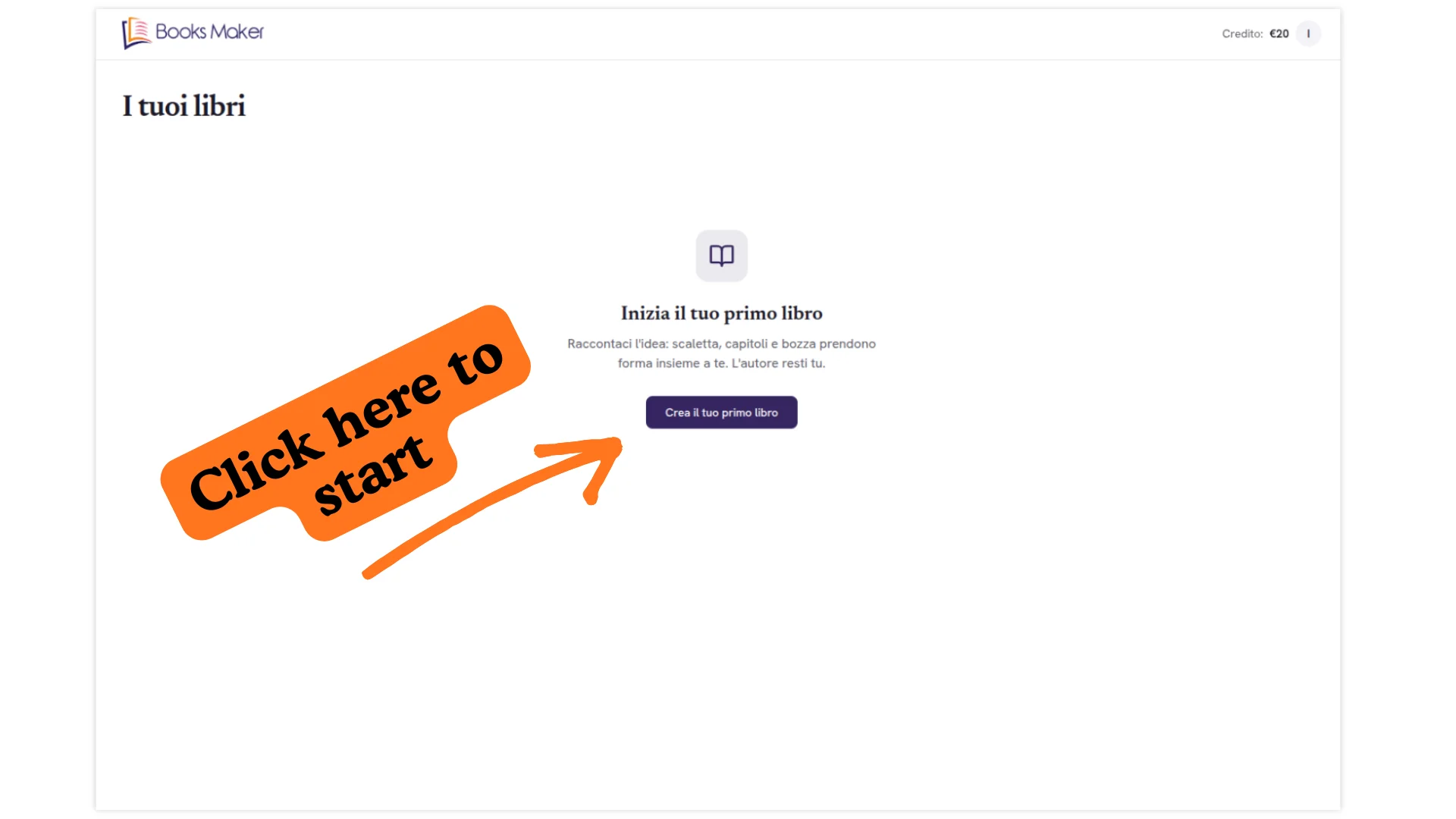
What stops writers, solved
Every obstacle has the tool that unblocks it.
The blank page
Start from an idea, a title or an outline: the AI suggests, you choose.
Characters that fall flat
Motivations, flaws and transformation arcs in one profile.
A plot that loses momentum
Pacing, twists and continuity checked chapter by chapter.
Revision that never ends
Grammar, style, typos and inconsistencies in a single pass.
How it works, in three steps
See how it worksTell your idea
Title, genre, audience and language: start from one sentence or import a draft.
Build the book
Outline, characters and chapters: the AI writes, you accept, edit or rewrite.
Export and publish
PDF, EPUB and DOCX, Kindle delivery or Amazon publishing.
Frequently asked questions about writer tools
Which writer tools does Books Maker offer?
Books Maker brings AI tools into one workflow: ideas, titles and outlines, characters, settings and worlds, dialogue, plot twists, checking and revision, translation, formatting and export. From the AI chat and 11 languages to Amazon publishing.
Does the AI write in my place?
No: the AI suggests, you decide. Every step can be accepted, edited or rewritten, and the narrative voice always stays yours.
Which languages can I write and translate in?
You can write in 11 languages, including Italian, English, Spanish, French, German and Portuguese, and translate the whole book into another language once it is finished.
Which formats can I export my book in?
You can export to PDF, EPUB and DOCX, send the book to your Kindle or publish it on Amazon straight from the editor.
Which features are available now and which are coming?
Writing, revision, translation and export tools are live. Audio book, cover generator, image generator, comic creator, sharing and the book store with author profile are marked as Coming soon.
Do I need experience to use Books Maker writer tools?
No. You can start from an idea or import a draft or an existing book, choose Base, Medium or High quality and change style whenever you want.
Try Books Maker writer tools now
Tell your idea to the AI assistant and start writing today.
Start free now